
Pre-Winter Sale Limited Time 75% Discount Offer - Ends in 0d 00h 00m 00s - Coupon code = simple75
Pass the Linux Foundation Kubernetes Application Developer CKAD Questions and answers with Dumpstech
Exam CKAD Premium Access
View all detail and faqs for the CKAD exam
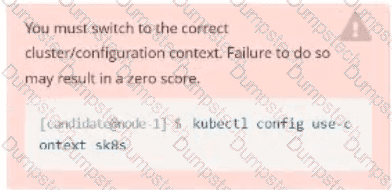
Task:
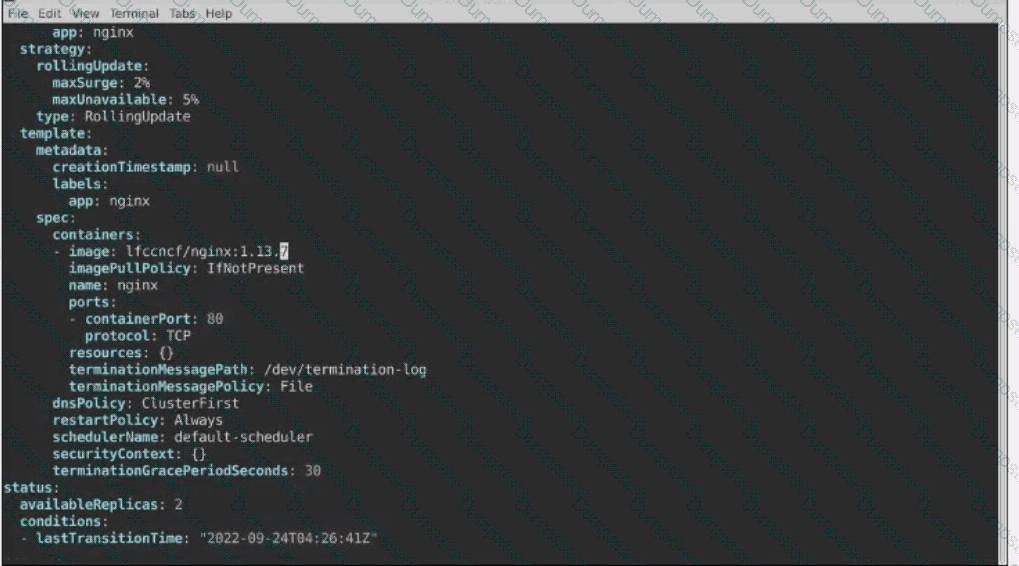
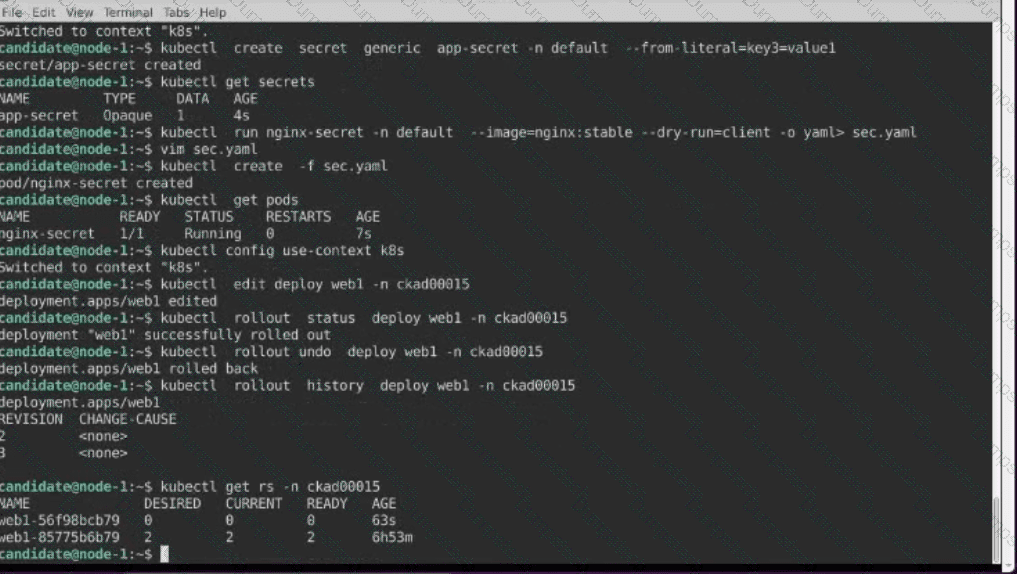
1- Update the Propertunel scaling configuration of the Deployment web1 in the ckad00015 namespace setting maxSurge to 2 and maxUnavailable to 59
2- Update the web1 Deployment to use version tag 1.13.7 for the Ifconf/nginx container image.
3- Perform a rollback of the web1 Deployment to its previous version

Context
Anytime a team needs to run a container on Kubernetes they will need to define a pod within which to run the container.
Task
Please complete the following:
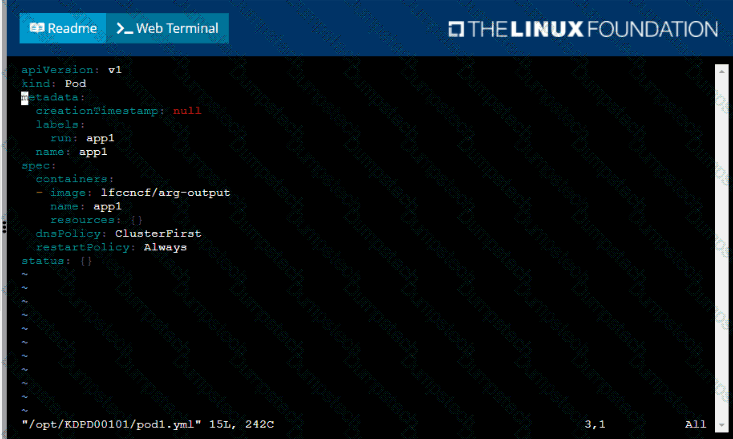
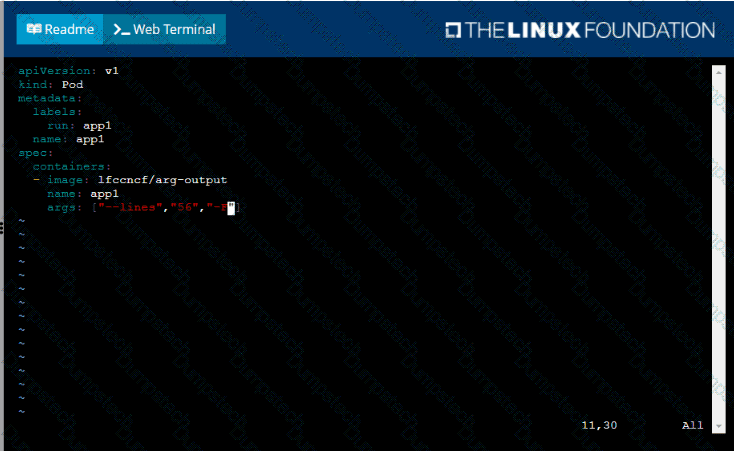
• Create a YAML formatted pod manifest
/opt/KDPD00101/podl.yml to create a pod named app1 that runs a container named app1cont using image Ifccncf/arg-output
with these command line arguments: -lines 56 -F
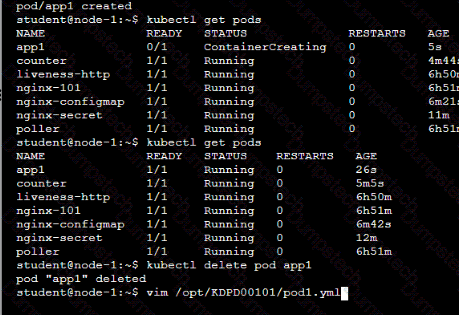
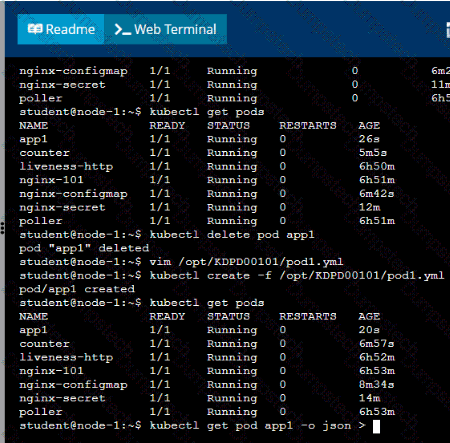
• Create the pod with the kubect1 command using the YAML file created in the previous step
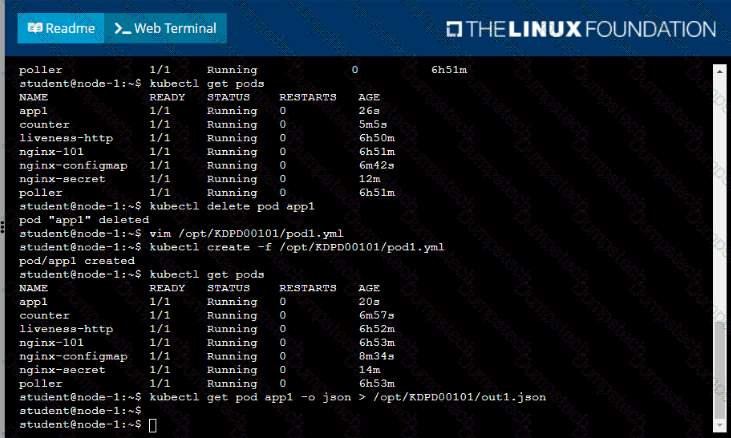
• When the pod is running display summary data about the pod in JSON format using the kubect1 command and redirect the output to a file named /opt/KDPD00101/out1.json
• All of the files you need to work with have been created, empty, for your convenience


Task:
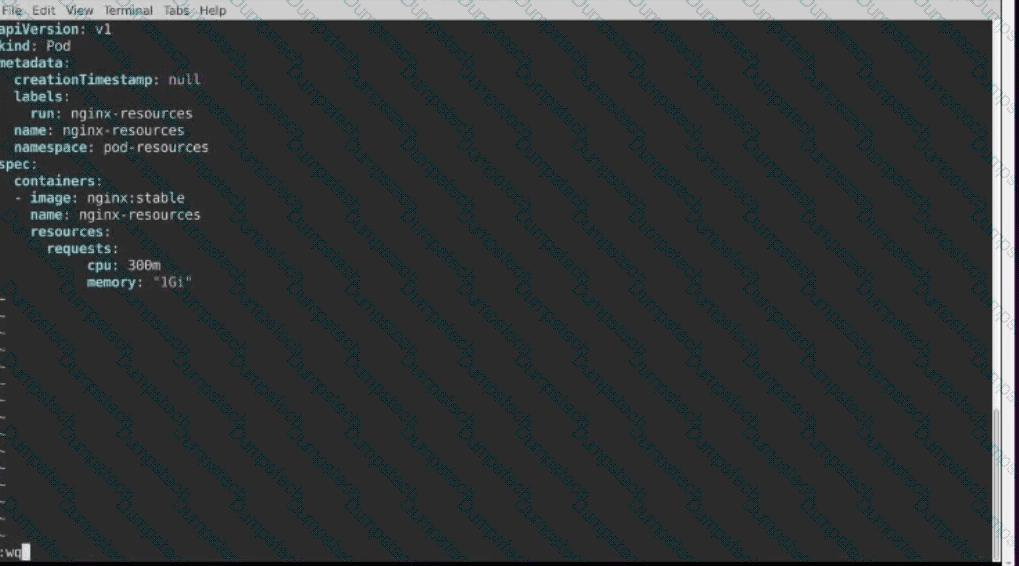
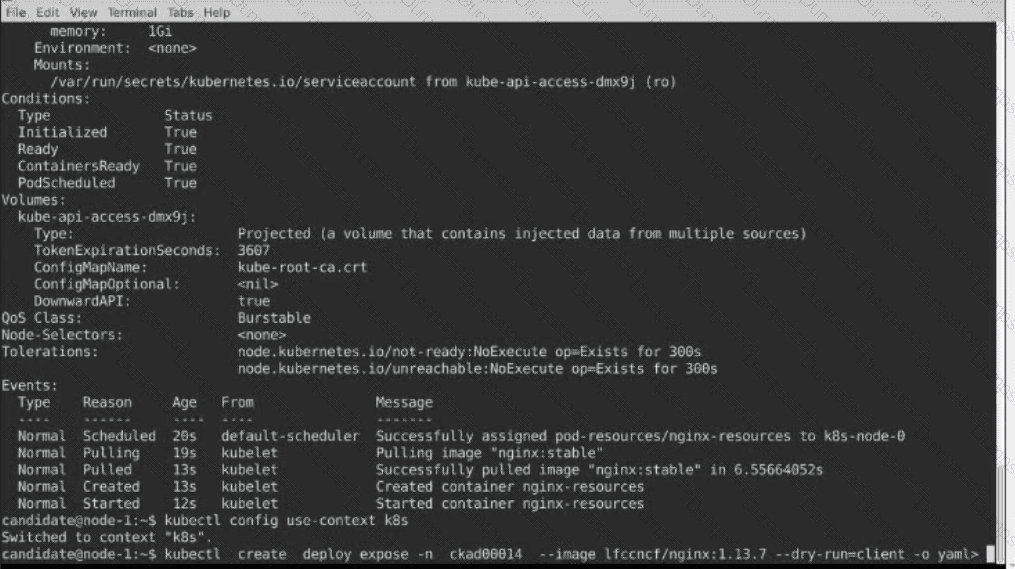
Create a Pod named nginx resources in the existing pod resources namespace.
Specify a single container using nginx:stable image.
Specify a resource request of 300m cpus and 1G1 of memory for the Pod’s container.


Context
You must connect to the correct host . Failure to do so may result in a zero score.
!
[candidate@base] $ ssh ckad00028
Task
A Pod within the Deployment named honeybee-deployment and in namespace gorilla is logging errors.
Look at the logs to identify error messages.
Look at the logs to identify error messages.
Find errors, including User
"system:serviceaccount:gorilla:default" cannot list resource "pods" [ ... ] in the
namespace "gorilla"
Update the Deployment
honeybee-deployment to resolve the errors in the logs of the Pod.
The honeybee-deployment 's manifest file can be found at
/home/candidate/prompt-escargot/honey bee-deployment.yaml
You must connect to the correct host . Failure to do so may result in a zero score.
[candidate@base] $ ssh ckad00029
Task
Modify the existing Deployment named store-deployment, running in namespace
grubworm, so that its containers
run with user ID 10000 and
have the NET_BIND_SERVICE capability added
The store-deployment 's manifest file Click to copy
/home/candidate/daring-moccasin/store-deplovment.vaml
You must connect to the correct host . Failure to do so may result in a zero score.
[candidate@base] $ ssh ckad00027
Task
A Deployment named app-deployment in namespace prod runs a web application port 0001
A Deployment named app-deployment in namespace prod runs a web application
on port 8081.
The Deployment 's manifest files can be found at
/home/candidate/spicy-pikachu/app-deployment.yaml
Modify the Deployment specifying a readiness probe using path /healthz .
Set initialDelaySeconds to 6 and periodSeconds to 3.
Context
You must connect to the correct host . Failure to do so may result in a zero score.
[candidate@base] $ ssh ckad00043
A Deployment needs specific RBAC permissions.
Task
First, find the RBAC permissions needed by the scraper Deployment running in the
cute-panda namespace .
it kubectl logs may help you to find the permissions it needs.
Next, create a new ServiceAccount named scraper in the namespace cute-panda.
Task:
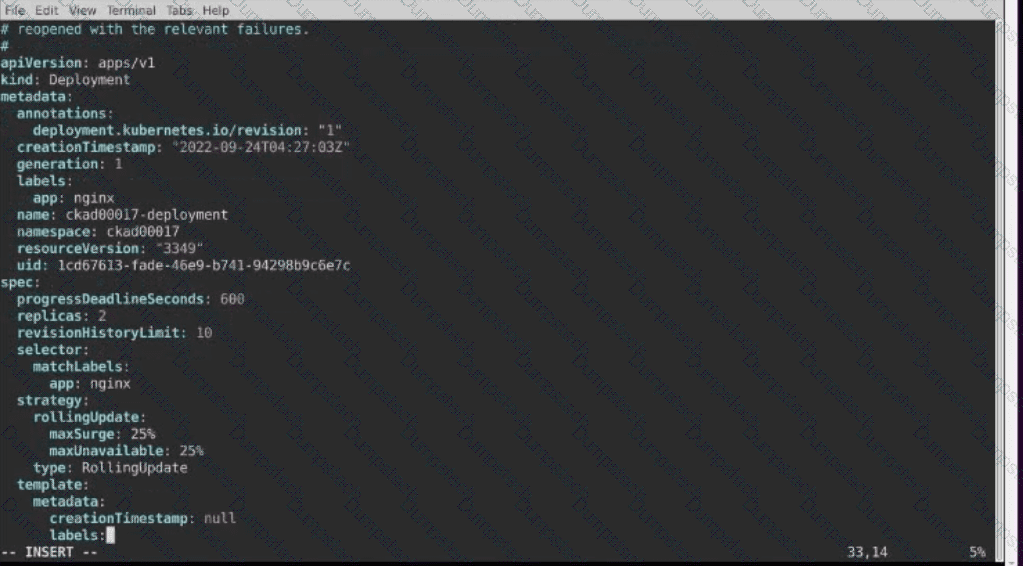
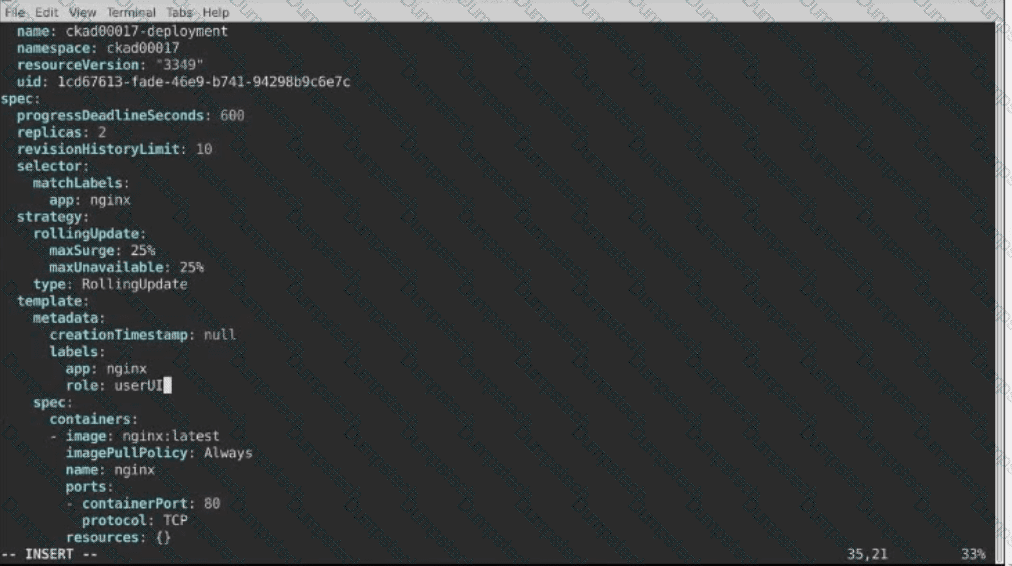
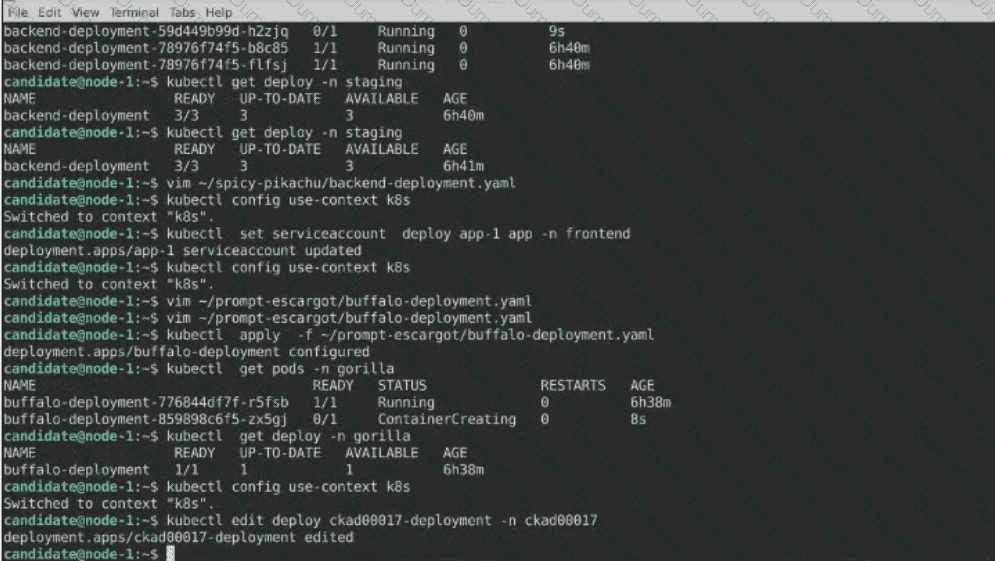
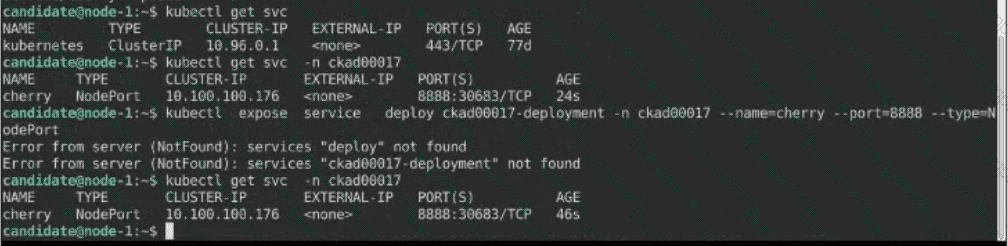
1) First update the Deployment cka00017-deployment in the ckad00017 namespace:
*To run 2 replicas of the pod
*Add the following label on the pod:
Role userUI
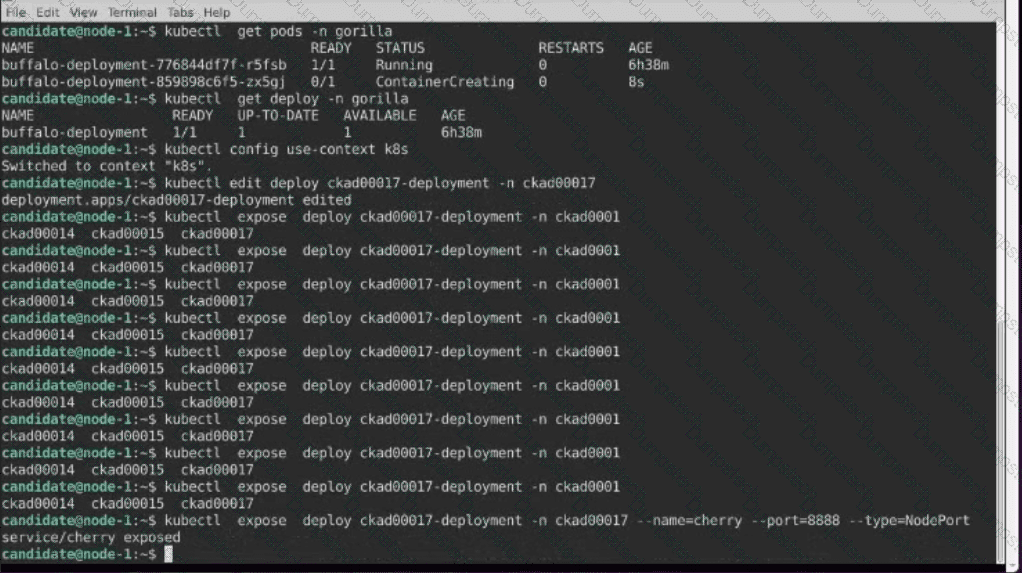
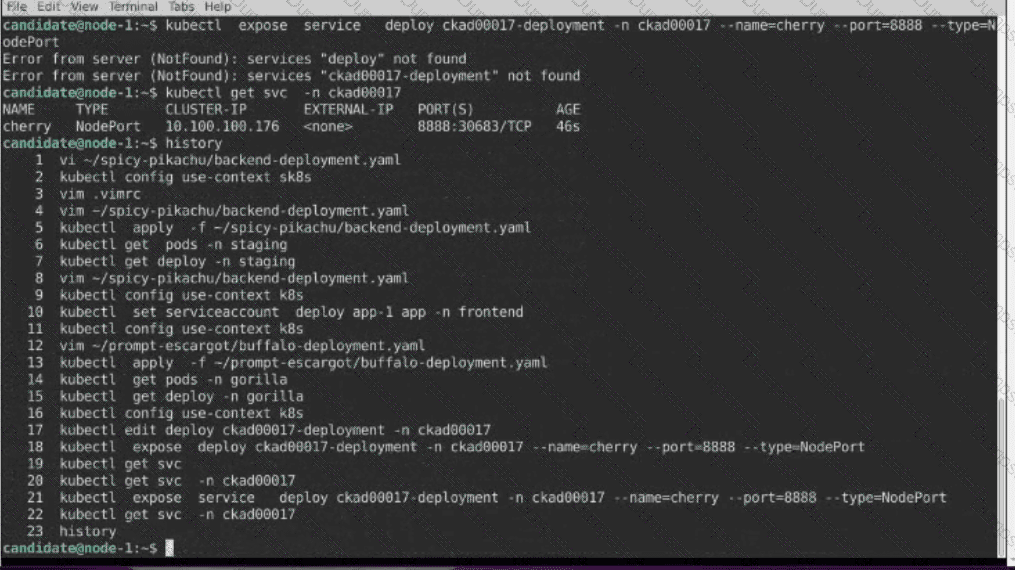
2) Next, Create a NodePort Service named cherry in the ckad00017 nmespace exposing the ckad00017-deployment Deployment on TCP port 8888
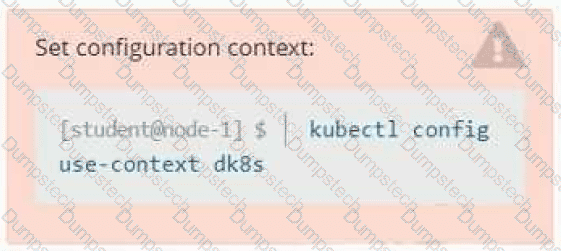
Set Configuration Context:
[student@node-1] $ | kubectl
Config use-context k8s
Context
A user has reported an aopticauon is unteachable due to a failing livenessProbe .
Task
Perform the following tasks:
• Find the broken pod and store its name and namespace to /opt/KDOB00401/broken.txt in the format:

The output file has already been created
• Store the associated error events to a file /opt/KDOB00401/error.txt, The output file has already been created. You will need to use the -o wide output specifier with your command
• Fix the issue.
Task
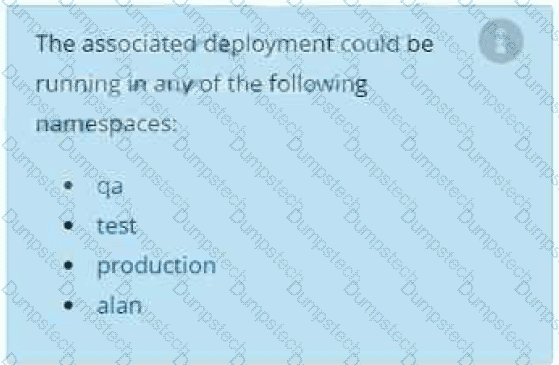
A deployment is falling on the cluster due to an incorrect image being specified. Locate the deployment, and fix the problem.
