Pre-Winter Sale Limited Time 75% Discount Offer - Ends in 0d 00h 00m 00s - Coupon code = simple75
Pass the Linux Foundation Kubernetes Security Specialist CKS Questions and answers with Dumpstech
Exam CKS Premium Access
View all detail and faqs for the CKS exam
Create a Pod name Nginx-pod inside the namespace testing, Create a service for the Nginx-pod named nginx-svc, using the ingress of your choice, run the ingress on tls, secure port.
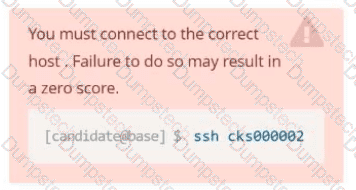
You must connect to the correct host . Failure to do so may
result in a zero score.
[candidato@base] $ ssh cks000023
Task
Analyze and edit the Dockerfile located at /home/candidate/subtle-bee/build/Dockerfile, fixing one instruction present in the file that is a prominent security/best-practice issue.
Do not add or remove instructions; only modify the one existing instruction with a security/best-practice concern.
Do not build the Dockerfile, Failure to do so may result in running out of storage and a zero score.
Analyze and edit the given manifest file /home/candidate/subtle-bee/deployment.yaml, fixing one fields present in the file that are a prominent security/best-practice issue.
Do not add or remove fields; only modify the one existing field with a security/best-practice concern.
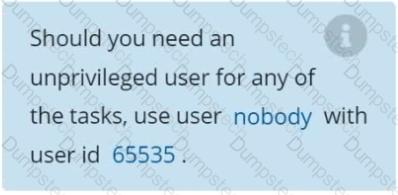
Should you need an unprivileged user for any of the tasks, use user nobody with user ID 65535.
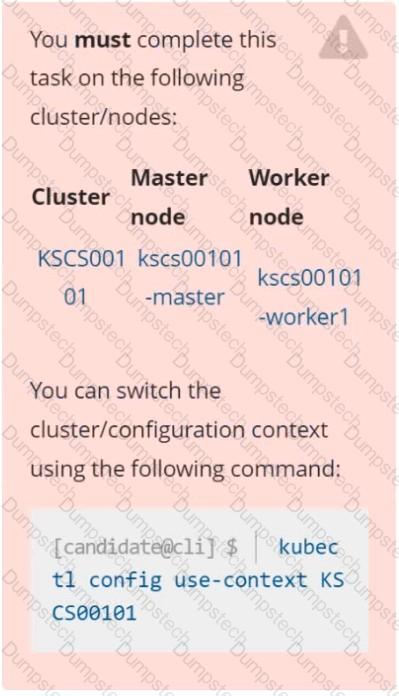
You can switch the cluster/configuration context using the following command:
[desk@cli] $ kubectl config use-context stage
Context:
A PodSecurityPolicy shall prevent the creation of privileged Pods in a specific namespace.
Task:
1. Create a new PodSecurityPolcy named deny-policy, which prevents the creation of privileged Pods.
2. Create a new ClusterRole name deny-access-role, which uses the newly created PodSecurityPolicy deny-policy.
3. Create a new ServiceAccount named psd-denial-sa in the existing namespace development.
Finally, create a new ClusterRoleBindind named restrict-access-bind, which binds the newly created ClusterRole deny-access-role to the newly created ServiceAccount psp-denial-sa
a. Retrieve the content of the existing secret named default-token-xxxxx in the testing namespace.
Store the value of the token in the token.txt
b. Create a new secret named test-db-secret in the DB namespace with the following content:
username: mysql
password: password@123
Create the Pod name test-db-pod of image nginx in the namespace db that can access test-db-secret via a volume at path /etc/mysql-credentials
Context
A default-deny NetworkPolicy avoids to accidentally expose a Pod in a namespace that doesn't have any other NetworkPolicy defined.
Task
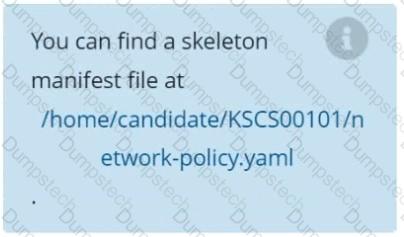
Create a new default-deny NetworkPolicy named defaultdeny in the namespace testing for all traffic of type Egress.
The new NetworkPolicy must deny all Egress traffic in the namespace testing.
Apply the newly created default-deny NetworkPolicy to all Pods running in namespace testing.
On the Cluster worker node, enforce the prepared AppArmor profile
#include
profile nginx-deny flags=(attach_disconnected) {
#include <abstractions/base>
file,
# Deny all file writes.
deny /** w,
}
EOF'
Edit the prepared manifest file to include the AppArmor profile.
apiVersion: v1
kind: Pod
metadata:
name: apparmor-pod
spec:
containers:
- name: apparmor-pod
image: nginx
Finally, apply the manifests files and create the Pod specified on it.
Verify: Try to make a file inside the directory which is restricted.
Context
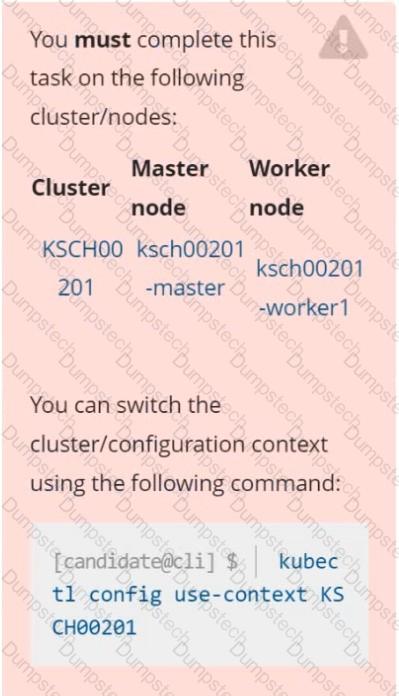
You must resolve issues that a CIS Benchmark tool found for the kubeadm provisioned cluster.
Task
Fix all issues via configuration and restart the affected components to ensure the new settings take effect.
Fix all of the following violations that were found against the kubelet:
The cluster uses the Docker Engine os its container runtime, If needed, use the
docker command to troubleshaot running containers.
Ensure that the anonymous-auth argument is set to false FAIL
Ensure that the -authorization-mode argument is not set to FAIL
AlwaysAllow
Use Webhook authentication /authorization where possible.
Fix all of the following violations that were found against ettd :
Ensure that the -client cert auth argument is set to true FAIL
Context
A Role bound to a Pod's ServiceAccount grants overly permissive permissions. Complete the following tasks to reduce the set of permissions.
Task
Given an existing Pod named web-pod running in the namespace security.
Edit the existing Role bound to the Pod's ServiceAccount sa-dev-1 to only allow performing watch operations, only on resources of type services.
Create a new Role named role-2 in the namespace security, which only allows performing update
operations, only on resources of type namespaces.
Create a new RoleBinding named role-2-binding binding the newly created Role to the Pod's ServiceAccount.

Create a User named john, create the CSR Request, fetch the certificate of the user after approving it.
Create a Role name john-role to list secrets, pods in namespace john
Finally, Create a RoleBinding named john-role-binding to attach the newly created role john-role to the user john in the namespace john.
To Verify: Use the kubectl auth CLI command to verify the permissions.
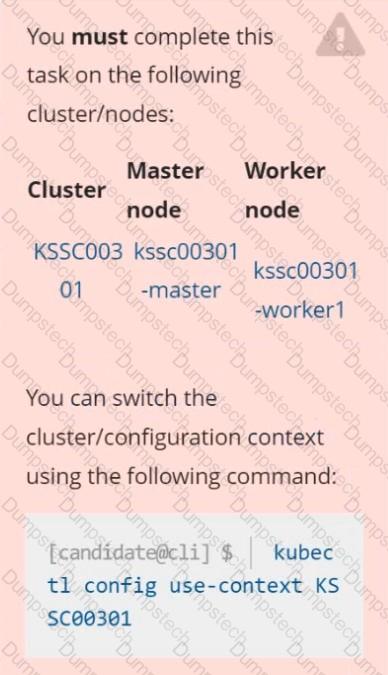
Task
Analyze and edit the given Dockerfile /home/candidate/KSSC00301/Docker file (based on the ubuntu:16.04 image), fixing two instructions present in the file that are prominent security/best-practice issues.
Analyze and edit the given manifest file /home/candidate/KSSC00301/deployment.yaml, fixing two fields present in the file that are prominent security/best-practice issues.