
Pre-Winter Sale Limited Time 75% Discount Offer - Ends in 0d 00h 00m 00s - Coupon code = simple75
Pass the Microsoft 365 Certified: Endpoint Administrator Associate MD-102 Questions and answers with Dumpstech
You need to capture the required information for the sales department computers to meet the technical
requirements.
Which Windows PowerShell command should you run first?
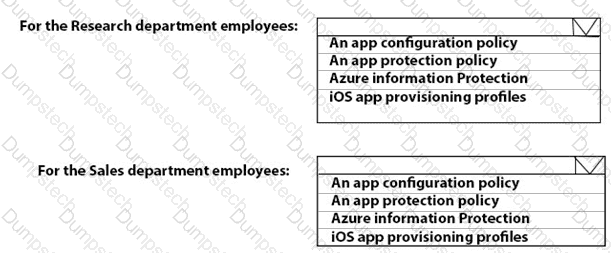
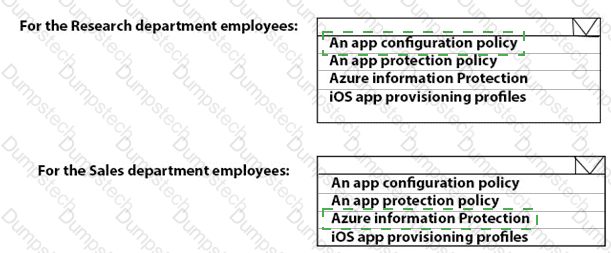
What should you use to meet the technical requirements for Azure DevOps?
You need to recommend a solution to meet the device management requirements.
What should you include in the recommendation? To answer, select the appropriate options in the answer area.
NOTE: Each correct selection is worth one point.
What should you upgrade before you can configure the environment to support co-management?
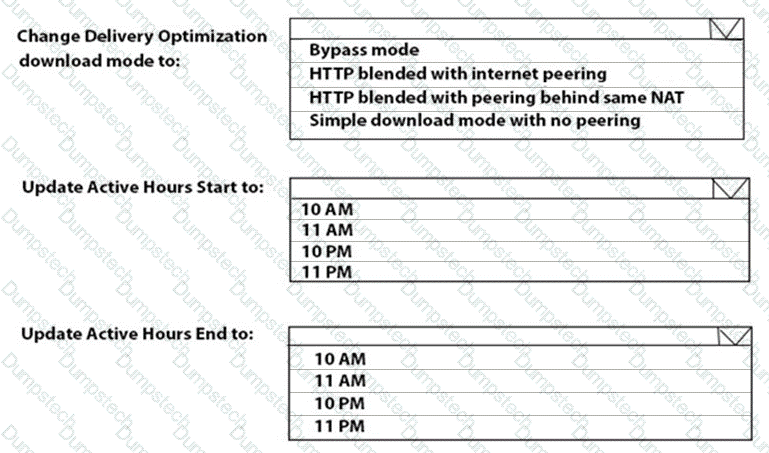
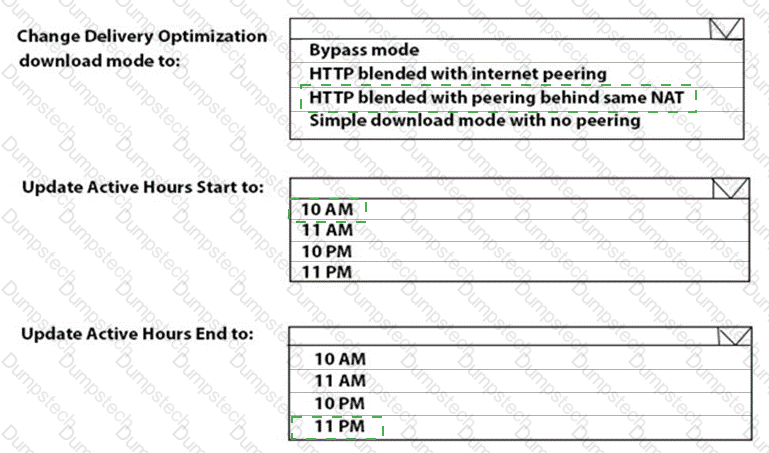
You need to resolve the performance issues in the Los Angeles office.
How should you configure the update settings? To answer, select the appropriate options in the answer area.
NOTE: Each correct selection is worth one point.
You need to meet the technical requirements for Windows AutoPilot.
Which two settings should you configure from the Azure Active Directory blade? To answer, select the appropriate settings in the answer area.
NOTE: Each correct selection is worth one point.
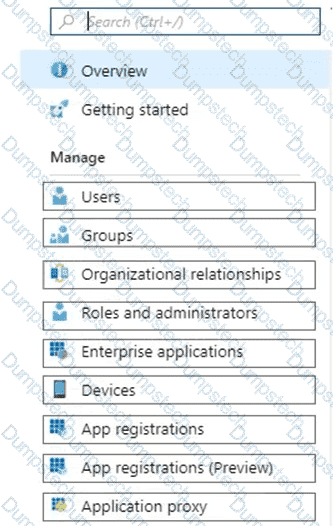
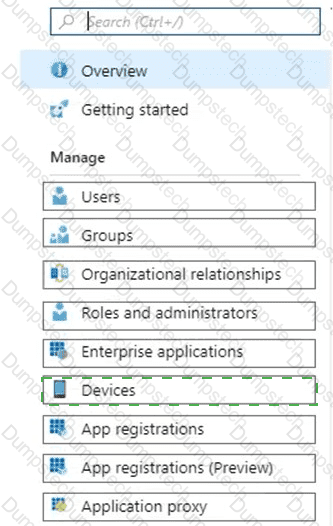
You need to meet the OOBE requirements for Windows AutoPilot.
Which two settings should you configure from the Azure Active Directory blade? To answer, select the appropriate settings in the answer area.
NOTE: Each correct selection is worth one point.
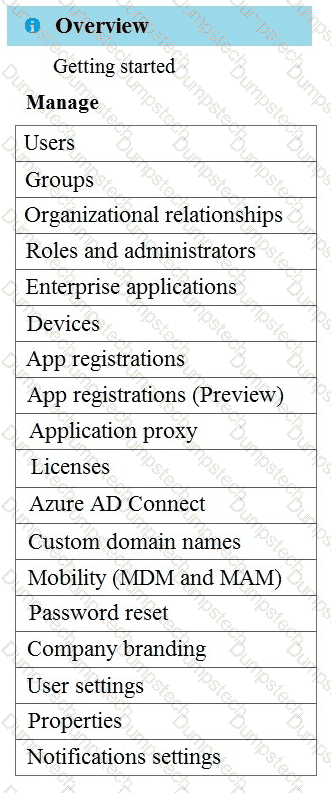
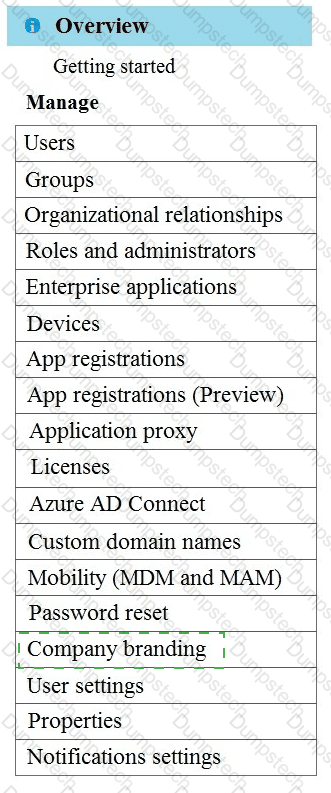
You need to meet the device management requirements for the developers.
What should you implement?
What should you configure to meet the technical requirements for the Azure AD-joined computers?
You have a computer named Computer! that runs Windows 11.
A user named User1 plans to use Remote Desktop to connect to Computer1.
You need to ensure that the device of User1 is authenticated before the Remote Desktop connection is established and the sign in page appears.
What should you do on Computer1?
